
第4章 4.2 Pinia 状态管理
🎯 上一章我们折腾完了 Vue Router,终于能在页面之间跳来跳去了。但跳来跳去有个问题——数据跟不住。
举个例子:你从列表页点进详情页,详情页想显示「刚才点了哪个用户」,结果发现这个信息丢了。又或者你在购物车页面加了个商品,回头发现首页的购物车图标数字还是 0。
这就是跨组件、跨页面的状态共享问题——Router 负责「路」,但路通了,车上的货(数据)怎么一起跟着走?
这一章我们要学的 Pinia,就是 Vue3 官方推荐的「数据仓库」。学完之后,你的数据就能像变色龙一样——在任何页面变,但始终是同一只。
🎯 开场 3 分钟:为什么要学这个?
场景还原:你在写一个 todo 应用。任务列表在 A 组件,已完成统计在 B 组件,底部输入框在 C 组件。
问题来了:
- A 加了一条任务,B 的数字要 +1
- C 删了一条任务,A 要消失,B 要 -1
用传统方式怎么做?一层层 props 传、一个个 emit 抛,代码像面条一样绕来绕去。
你的\n\n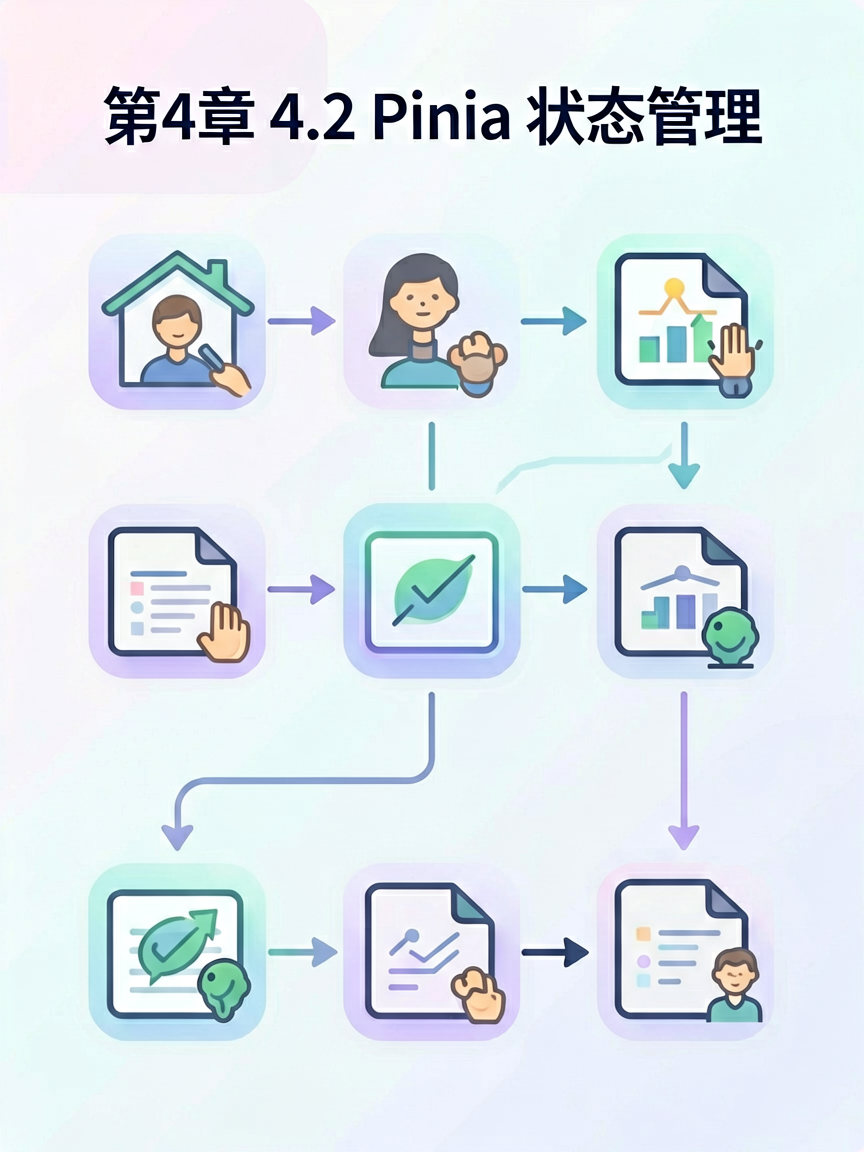 \n\n
\n\n \n\n痛点是不是这个?
学完 Pinia,你的数据会放在一个「公共仓库」里,所有组件想拿就拿、想改就改,Vue 自动帮你追踪变化——不再需要你手动「同步」。
🧱 基础 25 分钟:核心概念
什么是 Pinia?
类比:Pinia 就是一个共享仓库。想象你家楼下有个快递柜——快递员(组件)把包裹(state)存进去,任何人(其他组件)想取随时取,柜子还会自动记录谁取过、什么时候取的(响应式追踪)。
为什么用 Pinia?
Vue2 时代的 Vuex 就像一个管控严格的大仓库——进出都要开条、动作要统一、代码要规范。
Pinia 就像升级成了自助便利店——随便进随便拿,还不用填表。上手简单,体积更小,而且完全兼容 Vue DevTools。
核心概念三角:State / Getters / Actions
| 概念 | 生活中的角色 | 作用 |
|---|---|---|
| State | 仓库里的货架 | 存放原始数据 |
| Getters | 货架上的价签 | 从 state 派生出的计算值 |
| Actions | 仓库管理员 | 修改 state 的方法 |
怎么用?先安装
npm install pinia
创建一个 Store
// stores/user.js
import { defineStore } from 'pinia'

export const useUserStore = defineStore('user', {
// 第一层:State - 放数据
state: () => ({
name: '小明',
age: 18,
hobbies: ['打游戏', '看动漫']
}),

// 第二层:Getters - 放计算属性
getters: {
// 读取用户信息
displayName: (state) => `【用户】${state.name}`,

// 判断是否成年
isAdult: (state) => state.age >= 18,

// 统计爱好数量
hobbyCount: (state) => state.hobbies.length
},

// 第三层:Actions - 放操作方法
actions: {
// 修改名字
setName(newName) {
  this.name = newName
},

// 添加爱好
addHobby(hobby) {
  this.hobbies.push(hobby)
}
}
})
解释一下:
- defineStore('user', ...) 创建了一个叫 user 的仓库
- state 是一个函数,返回一个对象——这就是「货架」上的东西
- getters 是计算属性,跟 Vue 组件里的 computed 一样
- actions 是方法,用来修改 state
在组件里使用 Store
// App.vue
<script setup>
import { useUserStore } from './stores/user'

// 1. 在组件里「拿起」这个仓库
const userStore = useUserStore()

console.log(userStore.name)        // 小明
console.log(userStore.displayName) // 【用户】小明
console.log(userStore.isAdult)     // true
console.log(userStore.hobbyCount)  // 2

// 2. 通过 $patch 批量修改(推荐)
userStore.$patch({
name: '小红',
age: 20
})

// 3. 或者直接调用 actions
userStore.setName('小刚')
userStore.addHobby('弹吉他')

console.log(userStore.name)        // 小刚
console.log(userStore.hobbies)     // ['打游戏', '看动漫', '弹吉他']
</script>
解释一下:
- useUserStore() 像是在货架上取东西——取出来的是一个响应式对象
- store.xxx 直接读取 state 或 getters
- store.$patch({...}) 批量更新 state,比一个个改更高效
- store.actions里的方法() 直接调用 actions 来修改数据
Setup 风格的 Store
除了上面那种「选项式」写法,Pinia 还支持更贴近 Composition API 的写法:
// stores/counter.js
import { ref, computed } from 'vue'
import { defineStore } from 'pinia'

export const useCounterStore = defineStore('counter', () => {
// State 用 ref
const count = ref(0)
const multiplier = ref(2)

// Getters 用 computed
const doubleCount = computed(() => count.value * 2)
const total = computed(() => count.value * multiplier.value)

// Actions 就是函数
function increment() {
count.value++
}

function reset() {
count.value = 0
}

// 返回要暴露出去的东西
return { count, multiplier, doubleCount, total, increment, reset }
})
两种写法完全等价,喜欢哪种用哪种。我个人推荐选项式——结构清晰,新手友好。
🔥 实战 35 分钟:3 个递进的小项目
项目 1(5 分钟):计数器 + 购物车基础版
目标:学会 state 读写 + actions 调用
// stores/cart.js
import { defineStore } from 'pinia'

export const useCartStore = defineStore('cart', {
state: () => ({
items: [],
discount: 0
}),

getters: {
totalPrice: (state) => state.items.reduce((sum, item) => sum + item.price * item.qty, 0),
finalPrice: (state) => {
  const total = state.items.reduce((sum, item) => sum + item.price * item.qty, 0)
  return total * (1 - state.discount)
}
},

actions: {
addItem(product) {
  const exist = this.items.find(i => i.id === product.id)
  if (exist) {
    exist.qty++
  } else {
    this.items.push({ ...product, qty: 1 })
  }
},

removeItem(id) {
  this.items = this.items.filter(i => i.id !== id)
},

clearCart() {
  this.items = []
  this.discount = 0
},

setDiscount(value) {
  this.discount = Math.min(0.5, Math.max(0, value))
}
}
})
// App.vue
<script setup>
import { useCartStore } from './stores/cart'

const cart = useCartStore()

// 加商品
cart.addItem({ id: 1, name: 'iPhone', price: 999 })
cart.addItem({ id: 2, name: 'MacBook', price: 1999 })

// 打折
cart.setDiscount(0.1)

console.log('商品列表:', cart.items)
console.log('总价:', cart.totalPrice)
console.log('折后价:', cart.finalPrice)
</script>
预期输出:
商品列表: [
{ id: 1, name: 'iPhone', price: 999, qty: 1 },
{ id: 2, name: 'MacBook', price: 1999, qty: 1 }
]
总价: 2998
折后价: 2698.2
项目 2(15 分钟):用户偏好设置管理
目标:从 JSON/对象读取初始数据 + 多组件共享状态
先准备一个用户配置:
// data/userConfig.js
export const defaultUserConfig = {
theme: 'light',
language: 'zh-CN',
notifications: {
email: true,
sms: false,
push: true
},
fontSize: 16
}
Store 这么写:
// stores/settings.js
import { defineStore } from 'pinia'
import { defaultUserConfig } from '../data/userConfig.js'

export const useSettingsStore = defineStore('settings', {
state: () => ({
...defaultUserConfig,
lastUpdated: null
}),

getters: {
isDarkMode: (state) => state.theme === 'dark',
enabledNotifications: (state) => {
  const n = state.notifications
  return Object.values(n).filter(Boolean).length
}
},

actions: {
toggleTheme() {
  this.theme = this.theme === 'light' ? 'dark' : 'light'
  this.lastUpdated = new Date().toISOString()
},

setLanguage(lang) {
  this.language = lang
  this.lastUpdated = new Date().toISOString()
},

toggleNotification(type) {
  if (type in this.notifications) {
    this.notifications[type] = !this.notifications[type]
    this.lastUpdated = new Date().toISOString()
  }
},

resetToDefault() {
  this.$reset()
}
}
})
在两个组件里使用(模拟跨组件共享):
// ThemeSwitcher.vue
<script setup>
import { useSettingsStore } from './stores/settings'

const settings = useSettingsStore()

function switchTheme() {
settings.toggleTheme()
console.log('当前主题:', settings.theme)
}
</script>

<template>
<div :class="settings.theme">
<button @click="switchTheme">
  切换到{{ settings.theme === 'light' ? '深色' : '浅色' }}模式
</button>
<p>字体大小: {{ settings.fontSize }}px</p>
</div>
</template>
// NotificationPanel.vue
<script setup>
import { useSettingsStore } from './stores/settings'

const settings = useSettingsStore()

function toggleEmail() {
settings.toggleNotification('email')
}
</script>

<template>
<div>
<h3>通知设置</h3>
<p>已开启通知数: {{ settings.enabledNotifications }}</p>
<label>
  <input type="checkbox" :checked="settings.notifications.email" @change="toggleEmail">
  邮件通知
</label>
<label>
  <input type="checkbox" :checked="settings.notifications.sms" @change="settings.toggleNotification('sms')">
  短信通知
</label>
<button @click="settings.resetToDefault">恢复默认</button>
</div>
</template>
预期输出(点击切换主题后):
当前主题: dark
项目 3(15 分钟):待办清单(Todo List)
目标:组合前面所有技能——state、getters、actions、跨组件共享
// stores/todo.js
import { defineStore } from 'pinia'

export const useTodoStore = defineStore('todo', {
state: () => ({
todos: [],
filter: 'all' // 'all' | 'active' | 'completed'
}),

getters: {
// 待办总数
totalCount: (state) => state.todos.length,

// 已完成数
completedCount: (state) => state.todos.filter(t => t.completed).length,

// 根据筛选条件过滤
filteredTodos: (state) => {
  if (state.filter === 'active') return state.todos.filter(t => !t.completed)
  if (state.filter === 'completed') return state.todos.filter(t => t.completed)
  return state.todos
}
},

actions: {
addTodo(text) {
  if (!text.trim()) return
  this.todos.push({
    id: Date.now(),
    text: text.trim(),
    completed: false,
    createdAt: new Date().toLocaleDateString()
  })
},

toggleTodo(id) {
  const todo = this.todos.find(t => t.id === id)
  if (todo) todo.completed = !todo.completed
},

deleteTodo(id) {
  this.todos = this.todos.filter(t => t.id !== id)
},

clearCompleted() {
  this.todos = this.todos.filter(t => !t.completed)
},

setFilter(filter) {
  this.filter = filter
}
}
})
// TodoApp.vue
<script setup>
import { useTodoStore } from './stores/todo'

const todoStore = useTodoStore()

// 添加几个初始待办
todoStore.addTodo('学习 Pinia 状态管理')
todoStore.addTodo('完成路由守卫')
todoStore.addTodo('封装 axios 请求')

// 完成第一个
todoStore.toggleTodo(todoStore.todos[0].id)

// 设置筛选
todoStore.setFilter('completed')

console.log('筛选结果:', todoStore.filteredTodos)
console.log('完成数:', todoStore.completedCount)
</script>
预期输出:
筛选结果: [
{
id: 1720000000000,
text: '学习 Pinia 状态管理',
completed: true,
createdAt: '2024/6/26'
}
]
完成数: 1
💪 进阶 20 分钟:常见坑 + 性能小贴士
坑 1:Store 实例不要解构!
// ❌ 错误:解构后失去响应式
const { name, age } = useUserStore()
name = '小红' // 改了但不生效!

// ✅ 正确:保持响应式,用 storeToRefs
import { storeToRefs } from 'pinia'
const { name, age } = storeToRefs(useUserStore())
name.value = '小红' // 生效了
坑 2:别在 action 里解构 state
// ❌ 错误:解构拿到的不是响应式的
actions: {
setName() {
const { name } = this // 拿到的只是快照
// ...
}
}

// ✅ 正确:直接用 this
actions: {
setName() {
this.name = '新名字' // 用 this 访问
}
}
坑 3:$patch 和直接赋值的区别
// ❌ 过度使用 $patch 批量更新
store.$patch({ a: 1, b: 2, c: 3, d: 4, e: 5 })

// ✅ 简单场景直接赋值更清晰
store.a = 1
store.b = 2
坑 4:循环引用导致模块无法自动导入
// ❌ stores/index.js 里这么写会报错
export { useUserStore } from './user'
export { useCartStore } from './cart'

// ✅ 推荐:每个组件自己导入需要的 store
import { useUserStore } from './stores/user'
import { useCartStore } from './stores/cart'
坑 5:Pinia 和 Vuex 混用
// ❌ 绝对不要混用!
import { useStore as useVuexStore } from 'vuex' // 不要用
import { useUserStore } from './stores/user' // 只能用 Pinia

// ✅ 只用 Pinia
调试技巧:Vue DevTools
Pinia 原生支持 Vue DevTools。在浏览器开发者工具里你可以:
- 查看每个 store 的 state 实时值
- 看到所有 mutations(Pinia 里叫 actions)的调用记录
- 时间旅行调试——回滚到之前的状态
开启方式:Chrome 装 Vue DevTools 插件 → 切换到 Pinia 面板
✏️ 练习题
练习 1(2 分钟):修改用户名
- 输入:调用
userStore.setName('张三') - 预期输出:
userStore.displayName返回【用户】张三 - 提示:用项目 1 的 userStore,直接调用 action 即可
练习 2(2 分钟):添加筛选条件
- 输入:购物车 Store,增加一个
state: { maxItems: 10 },加一个 getterisFull - 预期输出:
cart.isFull在 items 达到 10 个时返回true - 提示:getters 里用
state.items.length >= state.maxItems
练习 3(3 分钟):统计爱好种类
- 输入:在 userStore 里新增
hobbyCategories: { 游戏: ['RPG', 'FPS'], 运动: ['篮球', '足球'] } - 预期输出:新增 getter
allHobbyCategories返回['游戏', '运动'] - 提示:Object.keys 拿到所有分类
练习 4(5 分钟):串联 todo + settings
- 输入:给 todoStore 加一个
theme字段,完成 todo 时如果是「深色模式」就自动标记高优先级 - 预期输出:深色模式下完成的 todo 带有
priority: 'high'标记 - 提示:在
toggleTodoaction 里判断useSettingsStore().isDarkMode
练习 5(5 分钟):分析报错
- 输入:运行以下代码
const store = useUserStore()
const { name } = store
store.setName('新名字')
console.log(name) // 你觉得输出什么?
- 预期输出:分析为什么
name没有变成「新名字」 - 提示:解构丢失了响应式
作业:做一个「学习进度追踪器」
需求描述:做一个记录自己学习进度的工具。
功能点:
1. 章节管理:添加/删除/完成学习章节,记录每个章节的学习时长
2. 进度统计:显示「已完成 X/Y 章节」「总体进度 XX%」
3. 标签筛选:给章节打标签(如「Vue」「React」「工程化」),按标签筛选查看
加分项:
1. 本地持久化(刷新不丢数据,用 localStorage)
2. 导出学习报告为 JSON
验收标准:
- 能跑起来
- 添加章节、完成章节、筛选功能正常工作
- 代码有适当注释
📚 总结 + 资源
一句话总结:Pinia 通过「State 货架 + Getters 价签 + Actions 管理员」的三层架构,让跨组件数据共享变得简单可控。
延伸学习:
- Pinia 官方文档(中文版很完善)
- Vue 3 组合式 API 指南(搭配学习效果更佳)
- 《Vue.js 设计与实现》(深入理解 Vue 核心原理)
互动钩子:你在项目里遇到过「数据不知道存在哪儿」的困惑吗?后来怎么解决的?评论区聊聊!老粉优先回复~
下章预告:数据在本地管好了,但怎么从服务器拿数据呢?下一章我们来解决这个问题——第 4 章 4.3 网络请求:axios 封装。

评论(0)